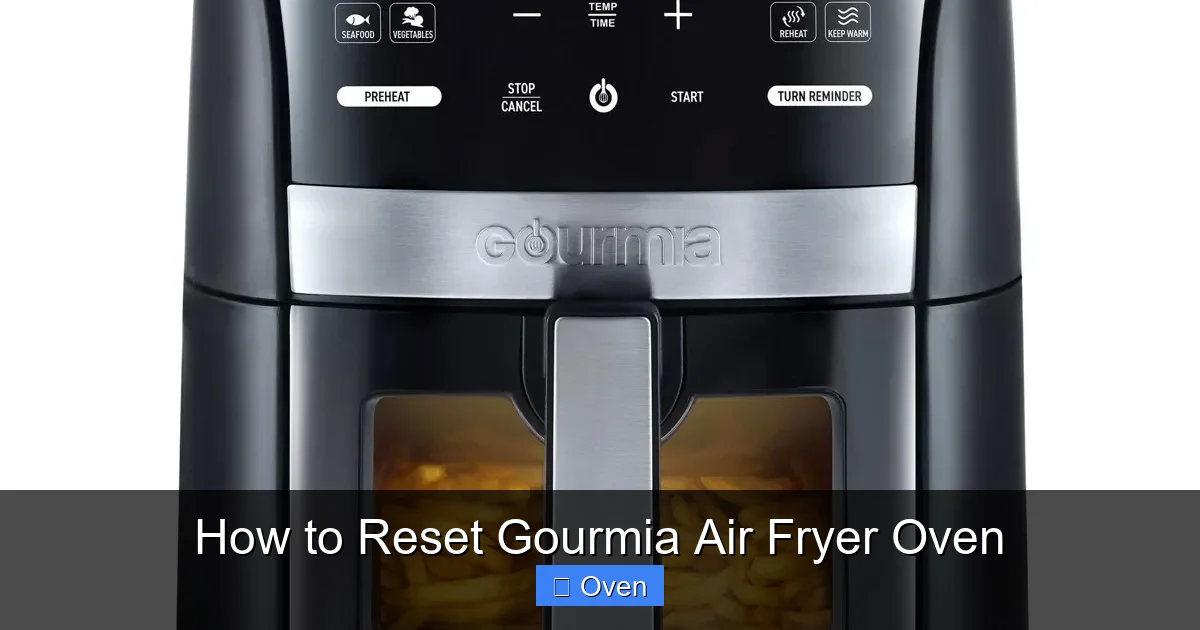
Stuck with a frozen or error-prone Gourmia air fryer oven? Resetting it is often the fastest fix! This guide walks you through simple power cycles, factory resets, and troubleshooting for common issues like unresponsive controls or error codes. Get your appliance back to perfect performance in minutes.
Key Takeaways
- Power Cycling Solves Most Issues: Unplugging for 5+ minutes often fixes glitches without a full reset.
- Factory Reset Restores Defaults: Use this for persistent errors or unresponsive touchscreens (location varies by model).
- Error Codes Need Specific Fixes: E01/E02 often mean overheating; E03/E04 signal sensor problems – reset may help after cooling.
- Prevent Resets with Care: Avoid overfilling, clean regularly, and don’t slam the door to minimize issues.
- Model Matters: Reset steps differ slightly between Gourmia models (e.g., 7-in-1 vs. Digital); check your manual.
- When to Call Support: If resets fail repeatedly, contact Gourmia – it could indicate a hardware fault.
Quick Answers to Common Questions
How long should I unplug my Gourmia for a power cycle?
Always unplug for at least 5 full minutes. This ensures all internal capacitors discharge completely, giving the electronics a true fresh start. Less time often means the reset won’t take effect.
Will resetting delete my saved presets?
A power cycle will NOT delete presets. A factory reset WILL erase all custom settings and presets, returning the oven to factory defaults. Only do a factory reset if power cycling fails.
Where is the reset button on my Gourmia model?
Locations vary! Common spots are: a small hole on the back near the power cord (use a paperclip), a recessed button on the side, or a button combination (e.g., “Start/Stop” + “Temp Down”). Always check your specific model’s manual online.
Why does my Gourmia keep showing E01/E02?
E01/E02 means overheating. Causes include blocked vents, overfilling the basket, cooking high-fat foods at max heat, or poor ventilation around the oven. Clean vents, don’t overfill, and ensure 4-5 inches of clearance on all sides.
Can I reset my Gourmia while it’s still hot?
Never reset while hot! Always unplug and let the oven cool completely (30-60 mins) before attempting any reset. Resetting a hot oven can damage components and is unsafe.
📑 Table of Contents
- Why Your Gourmia Air Fryer Oven Might Need a Reset (And Why It’s Not Scary!)
- Your Reset Toolkit: Understanding the Different Methods
- Troubleshooting Common Gourmia Air Fryer Oven Errors (Reset Edition)
- Step-by-Step Reset Guides for Popular Gourmia Models
- Preventing Future Resets: Pro Tips for Gourmia Longevity
- When Resetting Isn’t Enough: Knowing When to Call Gourmia Support
- Conclusion: Resetting Your Gourmia is Easier Than You Think!
Why Your Gourmia Air Fryer Oven Might Need a Reset (And Why It’s Not Scary!)
Picture this: You’re about to make crispy fries, but your Gourmia air fryer oven just… freezes. The screen goes blank, the timer won’t start, or it spits out an error code like “E03” for no reason. Panic starts to creep in – did you break it? Is it time for a new appliance? Take a deep breath. Most of the time, a simple reset is all it takes to get your Gourmia back to cooking perfection. Think of it like restarting your phone when it acts up. Air fryer ovens are packed with smart electronics, and sometimes those circuits just need a fresh start to clear temporary glitches.
Resetting your Gourmia isn’t about erasing precious recipes (though we’ll cover that later!). It’s primarily about refreshing the connection between the control board, sensors, and power supply. Common triggers include power surges, software hiccups during startup, or even just the oven getting “confused” after a long cooking session. You might notice the oven won’t turn on, the touchscreen is unresponsive, it shuts off mid-cycle, or displays confusing error messages. Before you start worrying about costly repairs, resetting your Gourmia air fryer oven is the essential first step every owner should know. It’s quick, free, and often works like magic.
Your Reset Toolkit: Understanding the Different Methods
Not all resets are created equal! Gourmia ovens typically offer two main reset paths, each serving a different purpose. Knowing which one to use saves time and frustration. Let’s break them down:
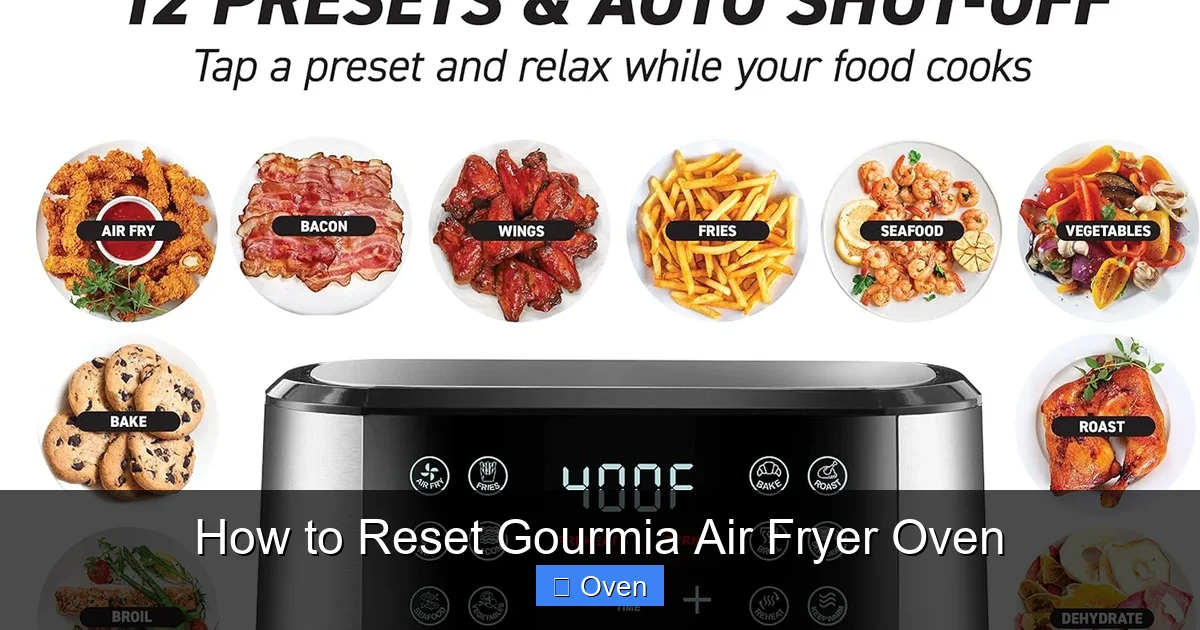
Visual guide about How to Reset Gourmia Air Fryer Oven
Image source: circaairfryer.com
Power Cycling: The Gentle Reset (Your First Go-To)
This is the simplest and most effective reset for minor hiccups. It’s like giving your oven a quick nap to reset its brain. Power cycling clears temporary memory (RAM) without affecting your saved presets or settings. Here’s how to do it safely:
- Step 1: Unplug Completely. Don’t just hit the power button – physically disconnect the oven from the wall outlet. This ensures all capacitors discharge fully.
- Step 2: Wait Patiently. This is crucial! Wait at least 5 full minutes. Rushing this step often means the reset didn’t “stick.” Set a timer – grab a coffee, check your phone, but don’t skip the wait.
- Step 3: Plug Back In & Power On. Reconnect the plug firmly. Turn the oven on using the main power button. Give it 30-60 seconds to fully boot up – you might see lights flash or the display initialize.
When to Use Power Cycling: Unresponsive touchscreen, oven won’t start, random shutdowns, minor error codes (like E01 after overheating), or after a power flicker. Example: Your oven beeps but won’t start cooking? Power cycle it. Nine times out of ten, it’ll spring back to life.
Factory Reset: The Nuclear Option (For Stubborn Problems)
When power cycling fails and your oven is truly misbehaving – think persistent error codes, completely frozen controls, or settings that won’t save – a factory reset is needed. This wipes ALL custom settings and returns the oven to its original “out-of-the-box” state. Your saved presets (like “Perfect Chicken” or “Crispy Tofu”) will be gone, but core functionality is restored. Warning: Only use this if power cycling doesn’t work!
The exact factory reset button location varies significantly by Gourmia model:
- Digital Models (e.g., GAF986, GAF790): Look for a small, recessed button (often labeled “Reset” or a circle icon) on the back, side, or near the power cord. You’ll usually need a paperclip.
- 7-in-1 & Multi-Function Models (e.g., GAF770, GAF700): Sometimes requires holding specific button combinations (e.g., “Start/Stop” + “Temperature” for 10 seconds) – ALWAYS check your manual first!
- Touchscreen Models: May have a hidden reset option in a settings menu (e.g., “System” > “Factory Reset”), but physical buttons are more common.
Factory Reset Steps (General):
- Step 1: Unplug the Oven. Safety first!
- Step 2: Locate the Reset Button. Consult your manual (search “[Your Model] manual PDF” online if lost).
- Step 3: Press & Hold. While holding the reset button (or combo), plug the oven back in. Keep holding for 10-15 seconds until lights flash or the display resets.
- Step 4: Release & Reboot. Let go, wait 30 seconds, then power on normally.
When to Use Factory Reset: Constant error codes (E03, E04), touchscreen completely dead, oven ignores all inputs, or after a major software glitch. Example: Your oven shows “E04” repeatedly even after cooling down? A factory reset often clears sensor communication errors.
Troubleshooting Common Gourmia Air Fryer Oven Errors (Reset Edition)
Error codes can feel cryptic, but they’re your oven’s way of saying, “Help! Something’s wrong.” Resetting is frequently part of the solution, but context matters. Here’s how to tackle the most frequent culprits:

Visual guide about How to Reset Gourmia Air Fryer Oven
Image source: shop.gourmia.com
E01 / E02: Overheating Alert
What it means: The oven’s internal temperature got too high, likely due to blocked vents, overfilling, or cooking high-fat foods at max heat. Safety first – the oven WILL shut down to prevent damage.
Reset Strategy:
- Unplug immediately and let the oven cool COMPLETELY (30-60 mins).
- Check vents: Are they clogged with grease or food? Clean thoroughly.
- Ensure you’re not overfilling the basket (max 2/3 full).
- Once cool, power cycle (unplug 5+ mins, replug).
- If E01/E02 returns quickly, reduce cooking temperature or time.
Pro Tip: Avoid cooking frozen foods straight from the freezer at max heat – thaw slightly first to reduce steam and splatter.
E03 / E04: Temperature Sensor Failure
What it means: The oven can’t read the internal temperature accurately. This could be a loose wire, a failing sensor, or (less commonly) a software glitch.
Reset Strategy:
- Unplug and cool down fully.
- Power cycle first (unplug 5+ mins).
- If E03/E04 persists, try a factory reset (this can reinitialize sensor communication).
- Still showing? Contact Gourmia support – likely a hardware issue needing repair.
Real Talk: If E03/E04 appears randomly during normal cooking (not just startup), a factory reset is worth a shot before assuming the worst.
Unresponsive Touchscreen or Buttons
What it means: Moisture, grease splatter, or a minor software freeze is blocking input.
Reset Strategy:
- Power cycle immediately (unplug 5+ mins).
- Clean the screen gently with a microfiber cloth (dampen slightly if needed – never spray directly!).
- If unresponsive after power cycle, attempt factory reset.
- Check for physical damage (cracks near buttons).
Prevention: Wipe the control panel after *every* use with a dry cloth to prevent grease buildup.
Step-by-Step Reset Guides for Popular Gourmia Models
Model numbers matter! While core principles are similar, button locations differ. Here’s a quick reference for best-sellers:

Visual guide about How to Reset Gourmia Air Fryer Oven
Image source: m.media-amazon.com
Gourmia GAF986 (Digital Air Fryer Oven)
- Power Cycle: Unplug > Wait 5 mins > Replug.
- Factory Reset: Unplug oven. Locate small reset hole on back (near power cord). Insert paperclip, hold while plugging in. Keep holding 10 sec until display flashes. Release.
Gourmia GAF770 (7-in-1 Digital Air Fryer Oven)
- Power Cycle: Unplug > Wait 5 mins > Replug.
- Factory Reset: Unplug oven. Press and hold “Start/Stop” + “Temperature Down” buttons simultaneously. While holding, plug in. Keep holding 15 sec until display resets. Release.
Gourmia GAF700 (Digital Air Fryer Oven)
- Power Cycle: Unplug > Wait 5 mins > Replug.
- Factory Reset: Unplug oven. Find reset button on side panel (may require removing a small cover). Press with paperclip while plugging in. Hold 10 sec.
Gourmia GAF555 (5.8 QT Digital Air Fryer)
- Power Cycle: Unplug > Wait 5 mins > Replug.
- Factory Reset: Unplug oven. Press and hold “Power” + “Time” buttons together. While holding, plug in. Hold 10 sec until lights flash.
Golden Rule: When in doubt, search “[Your Exact Model Number] reset” + “manual” on Google. Gourmia’s support site often has PDFs.
Preventing Future Resets: Pro Tips for Gourmia Longevity
Nobody wants to reset their air fryer weekly! A little care goes a long way in keeping your Gourmia running smoothly:
- Clean Religiously (But Correctly): Grease buildup is the #1 enemy. After *every* use, wash the basket and tray with warm, soapy water. Wipe the interior cavity and heating element area (cooled!) with a damp cloth. Never submerge the main unit! Monthly, do a deeper clean with baking soda paste on tough grease.
- Don’t Overfill: Crowding the basket blocks airflow, causing uneven cooking and overheating (triggering E01/E02). Stick to the 2/3 full rule.
- Mind the Vents: Ensure nothing blocks the intake (usually back/sides) or exhaust (top/rear) vents. Keep at least 4-5 inches of clearance on all sides.
- Use Correct Settings: High-fat foods (bacon, wings) need lower temps (375°F max) and shorter times to reduce splatter and smoke. Avoid max heat for delicate items.
- Power Down Properly: Always let the oven cool completely before cleaning or storing. Don’t yank the cord – unplug gently.
- Surge Protection: Plug your Gourmia into a surge protector, not directly into the wall. Power spikes can fry electronics.
Remember: A clean, uncrowded oven with good airflow is a happy oven that rarely needs resetting!
When Resetting Isn’t Enough: Knowing When to Call Gourmia Support
Resetting solves 80% of issues, but sometimes hardware fails. Don’t waste hours troubleshooting if these signs appear:
- Persistent Error Codes: E03/E04 returns immediately after factory reset and cooling.
- Physical Damage: Cracked display, burnt smell, melted components, or sparking.
- Complete Power Failure: Oven won’t turn on *at all*, even after power cycling (check outlet first!).
- Inconsistent Heating: One side cooks while the other stays cold, even after reset.
How to Contact Gourmia Effectively:
- Have your model number ready (found on the bottom/back).
- Note the exact error code and when it occurs.
- Mention what resets you’ve already tried (power cycle, factory reset).
- Visit Gourmia’s official support site for live chat, email, or phone options. Avoid third-party “support” numbers!
Pro Tip: Register your product online when you buy it – this often extends warranty coverage and speeds up support.
Conclusion: Resetting Your Gourmia is Easier Than You Think!
That frozen screen or confusing error code doesn’t mean your Gourmia air fryer oven is doomed. Armed with the knowledge of power cycling and factory resets, you’re equipped to tackle most common glitches in under 10 minutes. Remember: start simple (power cycle!), know your model’s reset specifics, and prioritize prevention through regular cleaning and proper use. Don’t let a minor hiccup derail your air frying adventures – that perfect batch of crispy Brussels sprouts is just a reset away.
Most importantly, resetting your Gourmia air fryer oven empowers you. You’re not helpless when technology acts up; you have the tools to fix it. So next time your oven throws a tantrum, take a breath, unplug it, and trust the process. Your kitchen – and your taste buds – will thank you. Now go enjoy that guilt-free, crispy goodness!
Frequently Asked Questions
Is resetting my Gourmia air fryer oven safe?
Yes, resetting is completely safe when done correctly. Power cycling and factory resets are standard troubleshooting steps designed by Gourmia. Always unplug the unit before performing a factory reset and ensure it’s cool to the touch. These actions won’t harm your appliance.
How often should I reset my air fryer oven?
You shouldn’t need to reset it regularly. Only reset when experiencing issues like unresponsiveness, error codes, or random shutdowns. If you find yourself resetting weekly, it indicates a deeper problem (like a failing component) that needs professional attention.
What if my Gourmia won’t turn on at all after a reset?
First, double-check the power source – test the outlet with another device. Ensure the plug is fully seated. If it still won’t power on after a proper power cycle, the issue is likely internal (faulty power cord, blown fuse, or damaged control board) and requires Gourmia support or a qualified technician.
Does a factory reset void my warranty?
No, performing a factory reset as instructed in the manual does not void your warranty. Gourmia expects users to perform these basic troubleshooting steps. However, physical damage caused by improper reset attempts (like forcing a button) could affect coverage, so always follow the manual.
Can I reset my Gourmia using the app?
Most Gourmia air fryer ovens do not have app connectivity or remote reset capabilities. Resetting is done physically via power cycling or the hardware reset button/combo. Always rely on the physical methods outlined in your model’s manual.
Why does my oven reset itself during cooking?
Random resets mid-cycle usually point to a power issue (like a loose outlet connection or voltage drop) or an internal fault (failing power supply or control board). Try a different outlet first. If it persists, contact Gourmia support as this indicates a hardware problem needing repair.